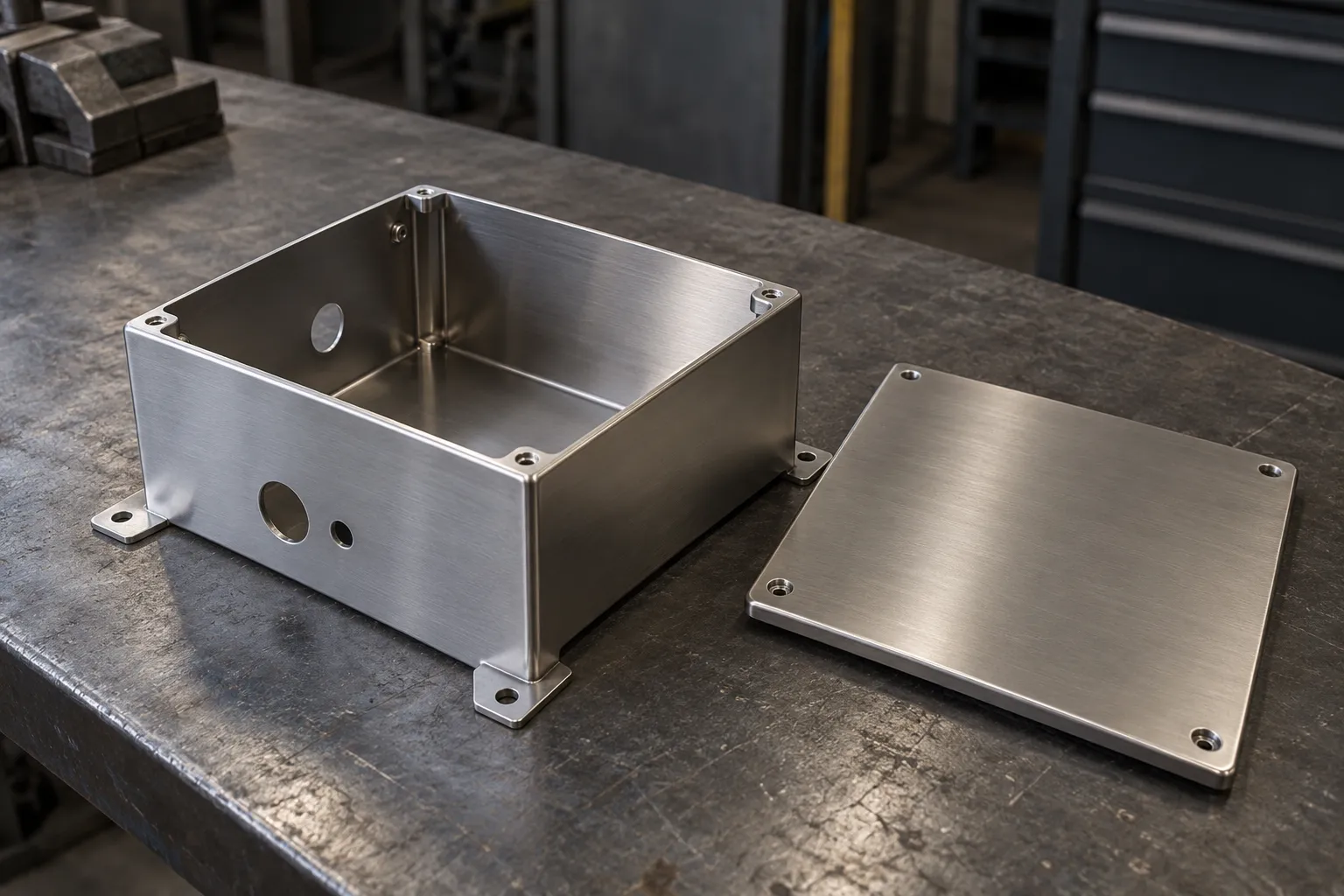
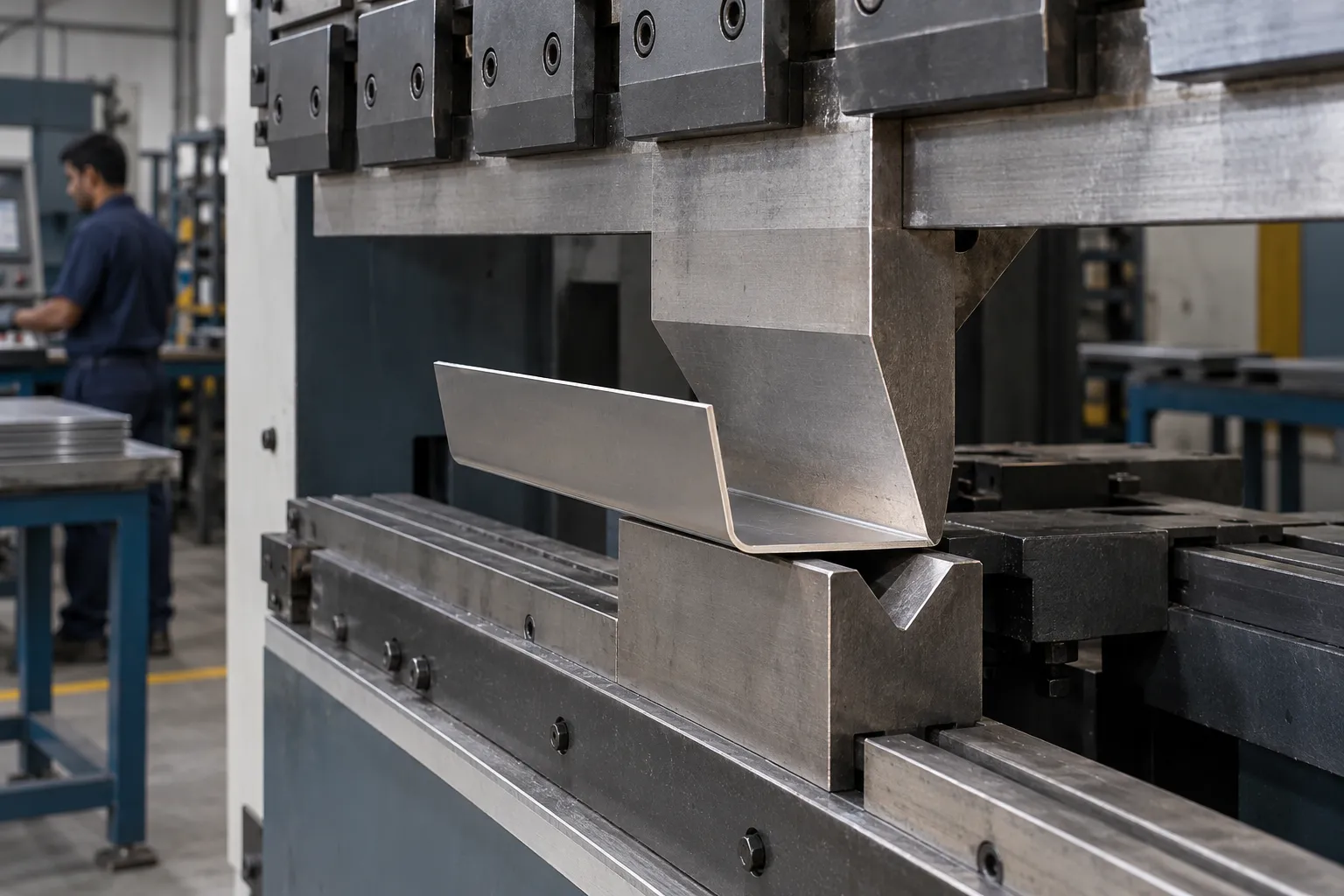
Features close to a bend can distort because the material stretches and compresses during forming. A conservative general starting rule is to keep holes and slots several material thicknesses away from the bend zone, then verify against your supplier’s tooling/process rules.
Why holes distort near a bend
During bending, material in and around the bend zone is plastically deformed. If a hole or slot is too close, the deformation can pull the feature oval, shift its center or create tearing around the edge.
Useful design guidance
Protolabs publishes a 4× material-thickness convention for keeping holes/slots away from bend lines in its process guidance, while its detailed toolkit shows that actual minimum distance varies with material, thickness and bend radius. Treat this as process guidance, not a universal standard.
When a feature must be close
- Add a relief cut around the feature.
- Move the hole to a secondary operation after bending.
- Change bend radius or flange geometry.
- Use hardware placement rules from the insert manufacturer.
- Agree an acceptable distortion/tolerance with manufacturing.
Hardware inserts
Self-clinching nuts/studs require adequate distance from both edges and formed features. Use the specific hardware manufacturer’s minimum centerline-to-edge and installation-thickness data.
Drawing communication
Dimension critical hole locations from functional datums on the formed part where assembly matters. If a hole is drilled after forming, make that process intent clear in the manufacturing route.
This article is general guidance for preliminary engineering and shop-floor understanding. The drawing, applicable standard, machine/tooling OEM instructions, process-specific safety requirements and qualified engineering judgment take priority.